


1
Connect your stack
Connect your app’s origin stack to Tensor9.
Tensor9 supports origin stacks defined in: Terraform/OpenTofu, CloudFormation,
Kubernetes Manifests/Helm, and Docker Compose/Containers.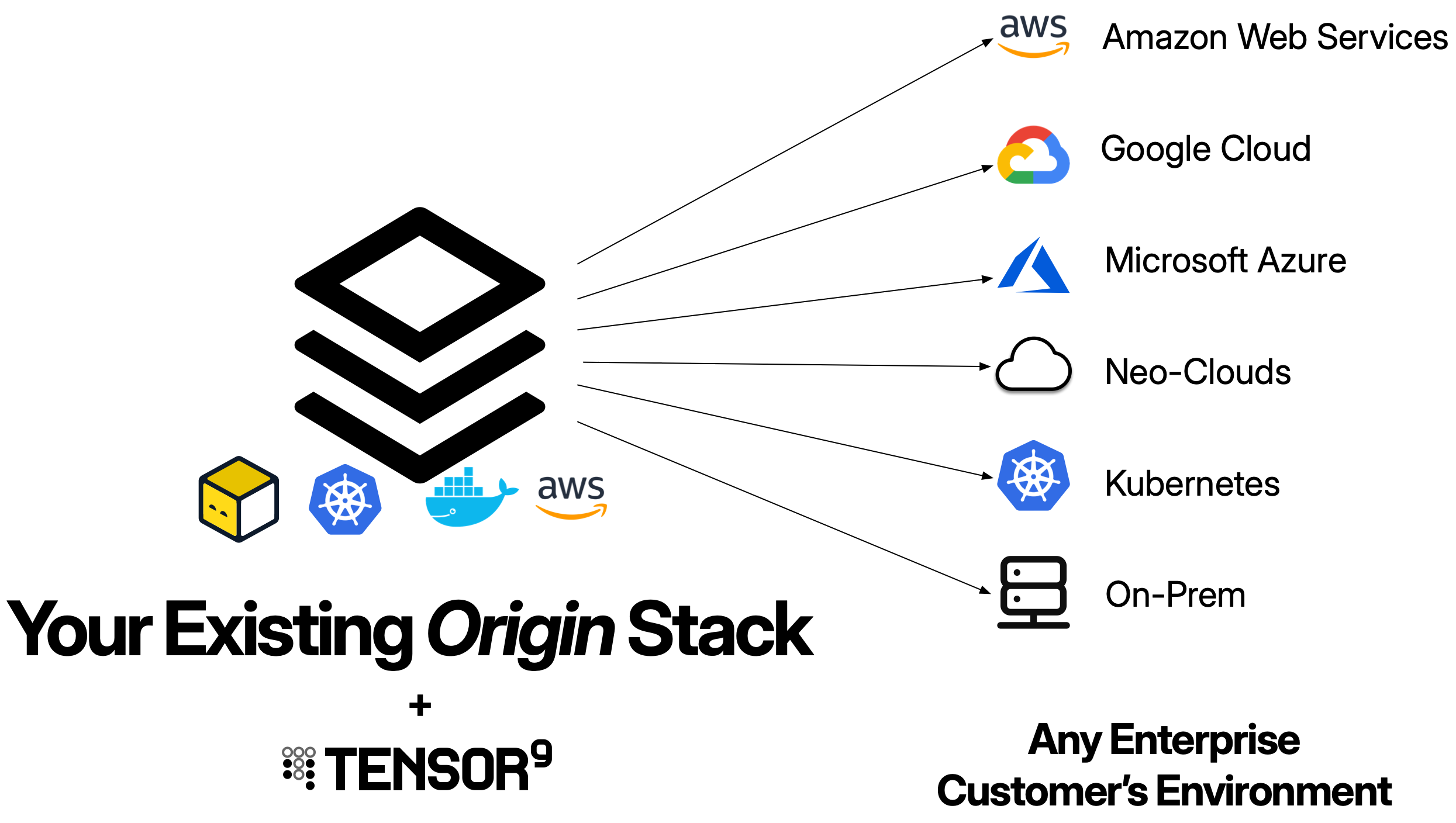
2
Create an appliance
Create an appliance for the customer environment you want to deploy to.
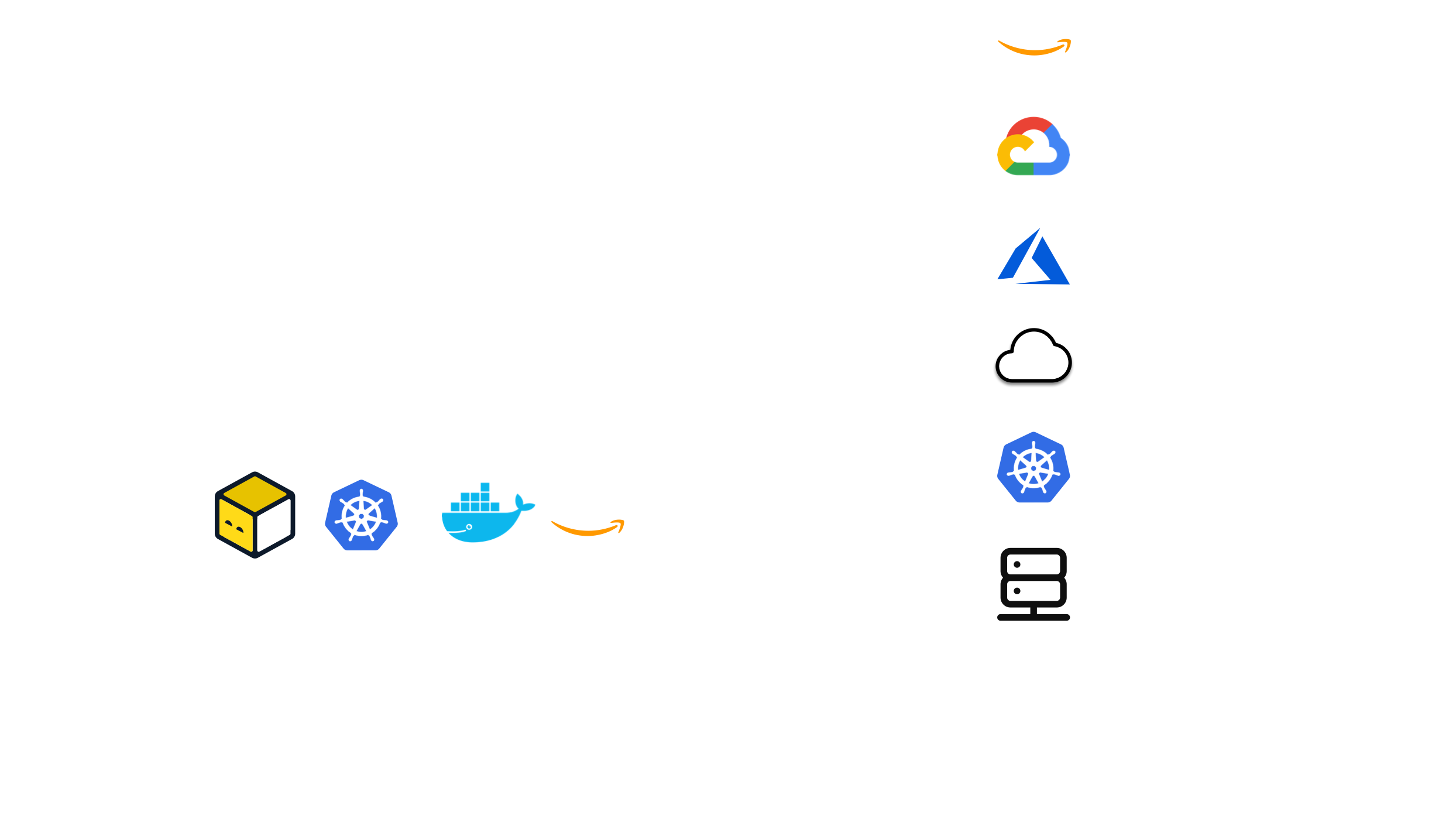
An appliance is defined by its form factor, which specifies the target environment like
Amazon Web Services, Google Cloud, Microsoft Azure, Digital Ocean, or a customer-provided Kubernetes cluster,
as well as which managed cloud services are required.
You create an appliance using
tensor9 CLI or the Vendor Portal.
Your customer completes setup through a guided install wizard, a white-labeled web interface branded with your logo and company name.3
Compile your stack
Use
tensor9 CLI to compile your origin stack into a deployment stack for your new appliance.
Tensor9 compiles your stack for the form factor of that appliance.
For example, if your appliance is running in DigitalOcean on Kubernetes,
then the compilation process will automatically replace an AWS load balancer
in your origin stack with a Kubernetes ingress exposed via a DigitalOcean load balancer,
and similarly replace AWS Aurora Postgres in your origin stack with a DigitalOcean
managed Postgres instance.4
Deploy to an appliance
Use standard tooling to deploy your deployment stack to a customer appliance.
For example, if your origin stack is defined using Terraform/OpenTofu,
then invoke
terraform apply or tofu apply on a deployment stack to deploy
that stack to the appliance it was compiled for.5
Observe & operate appliances
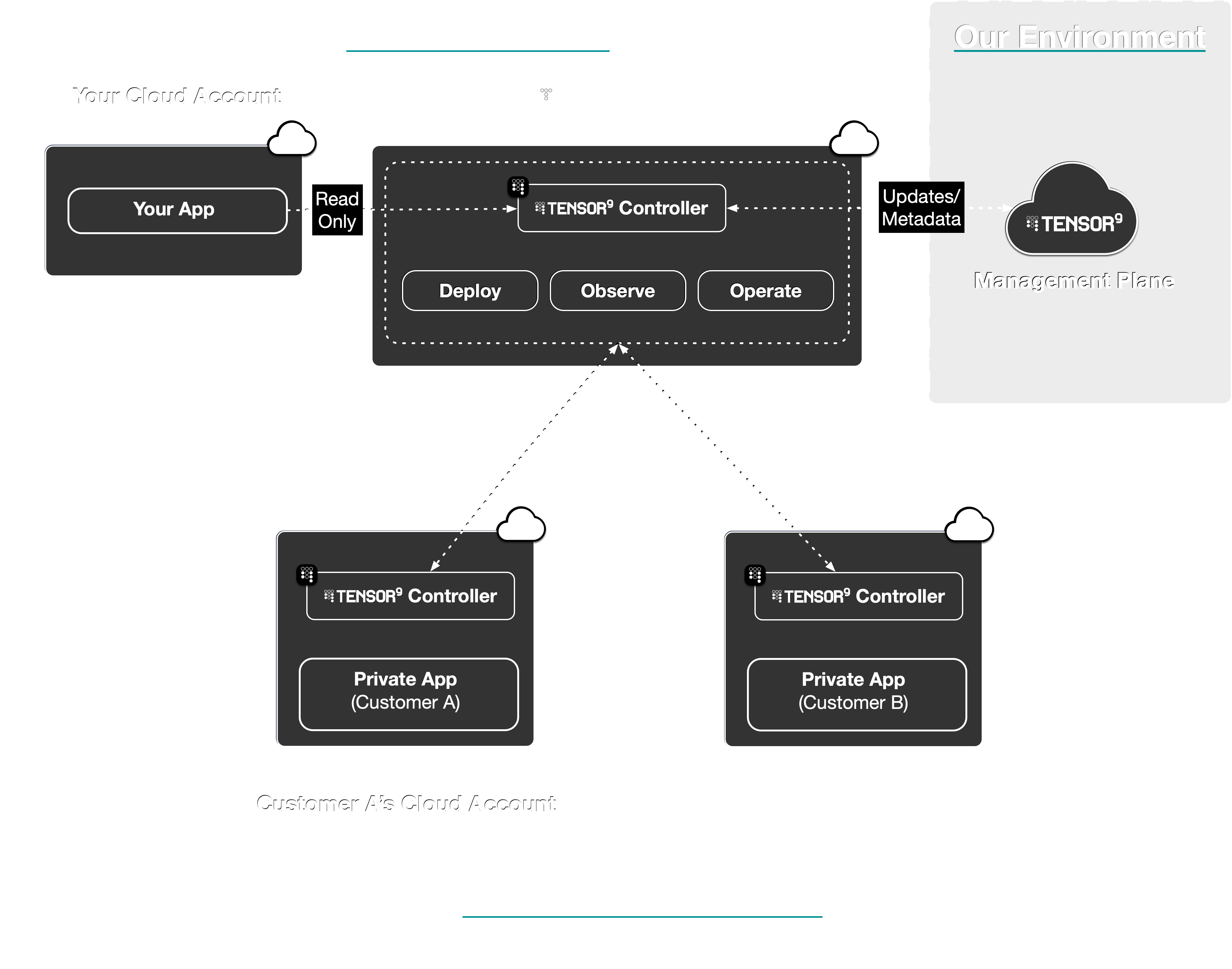
Observe the state, performance, and usage of deployed
resources in customer appliances; with metrics, logs, and
traces asynchronously synchronized back to your observability sink of choice.
Monitor appliance health from the Vendor Portal dashboard or the CLI.You can also operate deployed resources within customer appliances.
For example, execute
kubectl commands or request temporary, scoped access to cloud resources via IAM.
Your customers review and approve operations requests through their Customer Portal.